
The Paperless Office: How to Transition Your Accounting to the Cloud This Quarter
For years, the “paperless office” felt like a futuristic myth, something for tech giants in Silicon Valley, not a local small business. But the landscape has shifted. Between remote work, mobile banking, and digital-first tax filing, paper isn’t just a clutter problem; it’s a bottleneck.
Transitioning your accounting to the cloud doesn’t require a weekend-long scanning marathon. With a strategic approach, you can migrate your entire financial workflow to the cloud by the end of this quarter.
Phase 1: The Digital Foundation (Weeks 1–4)
The first step isn’t about getting rid of paper; it’s about ensuring no new paper enters your system.
Choose Your Ecosystem: If you haven’t already, switch to a cloud-based accounting platform (such as QuickBooks Online or Xero). This acts as your “Central Command.”
Redirect the Stream: Change your settings for every utility, vendor, and credit card to “Paperless Statements only.” * Set Up a Digital Inbox: Create a dedicated email address (e.g., bills@yourbusiness.com) where all digital receipts and invoices are sent. Most cloud software allows you to forward these directly into your ledger.
Phase 2: Implementation & Automation (Weeks 5–8)
Now that the data is digital, you need to automate the “handshake” between your documents and your software.
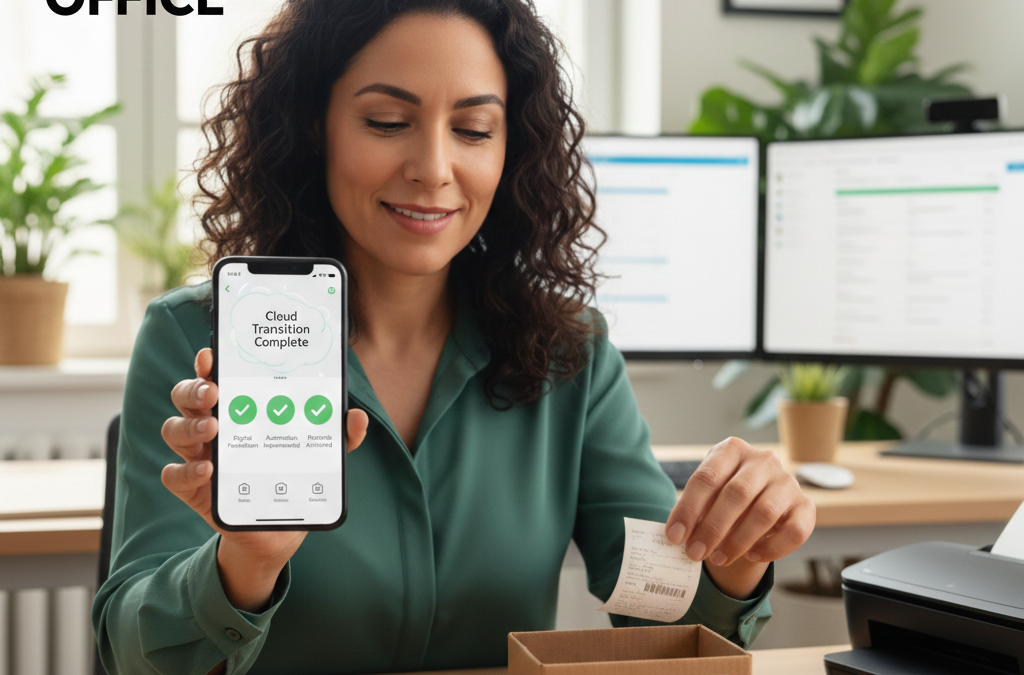
Adopt a Receipt Fetcher: Tools like Dext or Hubdoc are game-changers. You simply snap a photo of a physical receipt with your phone, and the software uses OCR (Optical Character Recognition) to extract the date, vendor, and amount, then pushes it into your accounting software.
Connect Bank Feeds: Link your business bank accounts and credit cards. This eliminates manual data entry and ensures your records match your bank statements in real-time.
The “Purge” Protocol: Decide on a “Go-Forward Date.” Don’t waste time scanning five-year-old receipts. Keep the physical archive in a box as required by law, but commit to 100% digital entry from your start date.
Phase 3: Review and Refine (Weeks 9–12)
By the final month of the quarter, your physical “To-Be-Processed” tray should be gathering dust.
Audit Your Workflow: Are you still printing reports just to look at them? Force yourself to use the dashboard view in your accounting software.
Digital Approval Workflows: If you have employees, use a digital approval system (like Bill.com) so invoices can be approved and paid without a single piece of paper changing hands.
Cloud Backup: Ensure your digital records are backed up. Most cloud accounting platforms have built-in redundancy, but keeping a monthly “Full Ledger” export in a secure cloud drive (like Google Drive or Dropbox) adds an extra layer of security.
The Benefits of a Paperless Quarter
Moving to the cloud isn’t just about saving trees. It offers three immediate advantages:
Searchability: Finding a receipt from 14 months ago takes three seconds, not three hours in the attic.
Collaboration: Your bookkeeper or CPA can log in to view your data in real time. No more “dropping off a box of receipts” at tax time.
Disaster Recovery: If your office suffers a fire or flood, your financial history is safe in the cloud.
Pro Tip: Invest in a high-quality mobile scanning app. It turns your smartphone into a professional-grade document scanner, making it easy to digitize the few stray pieces of paper that still find their way to your desk.
“We’ve confidently referred businesses to them, and the feedback has been unanimously positive.”
– Mike Doherty: Founder, Understanding eCommerce.
Follow us on LinkedIn – Zumifi.